
FlySpot Weather
Combines weather by altitude with your drone specifications to tell you whether it is safe to fly.
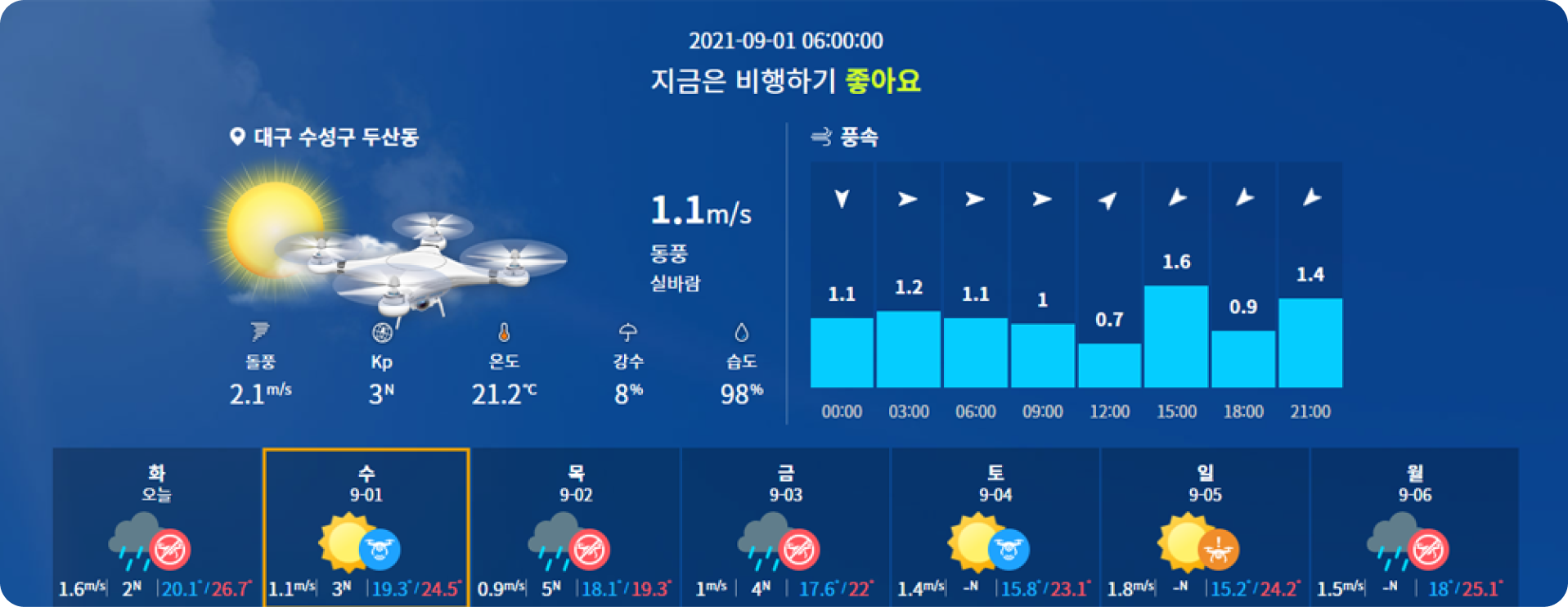
Drones are sensitive to weather
Rain and snow can damage motors with moisture, and temperature affects battery output. Strong wind, rain, snow and geomagnetic activity can make flight impossible or cause a crash.
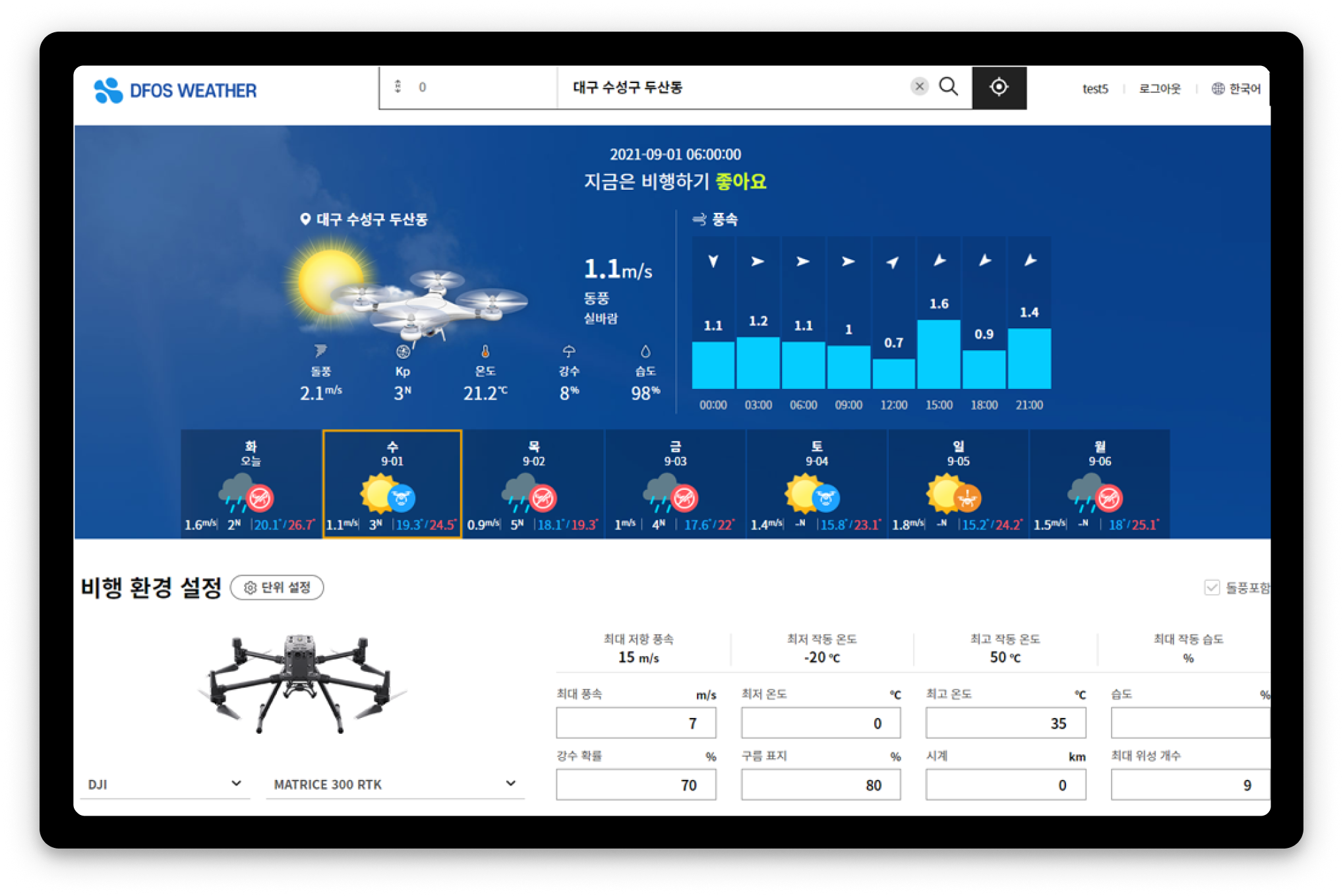
Weather at your altitude
Set your flight altitude to see wind and weather at that height, plus weekly and hourly forecasts.
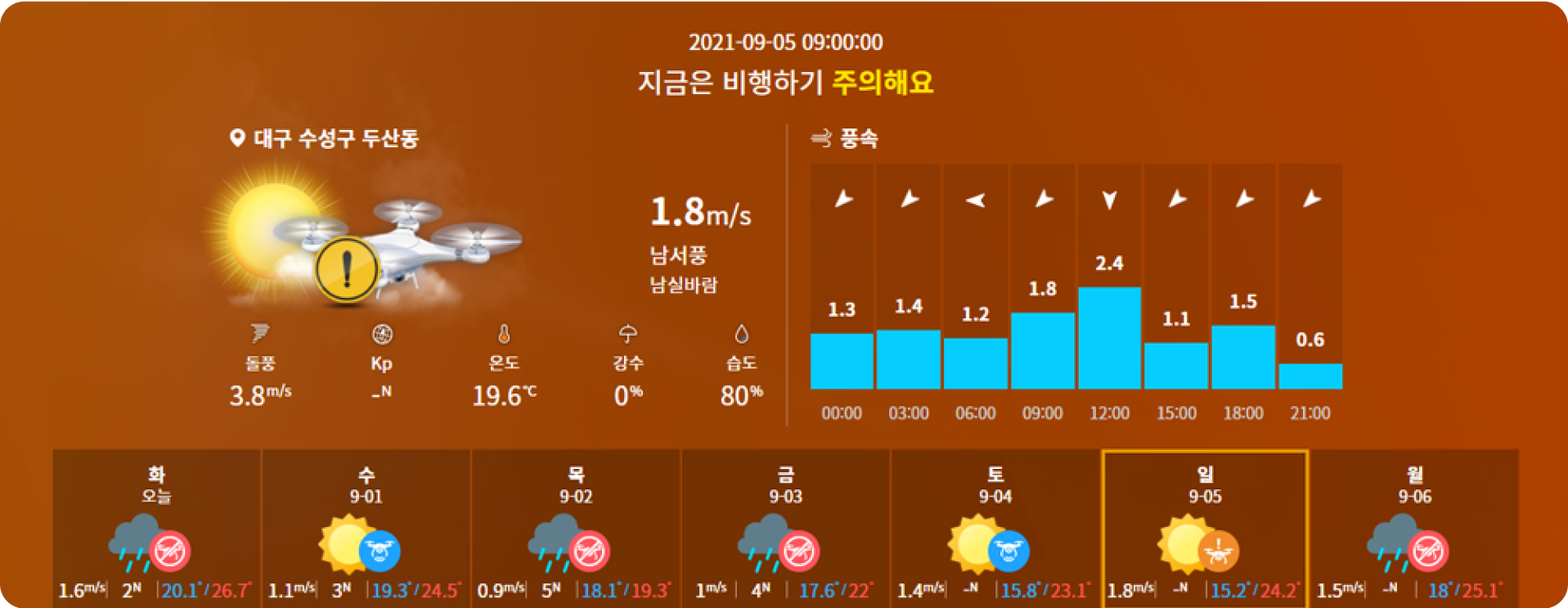
Go/no-go based on drone specs
Decide whether to fly based on your drone’s specifications or your own thresholds.
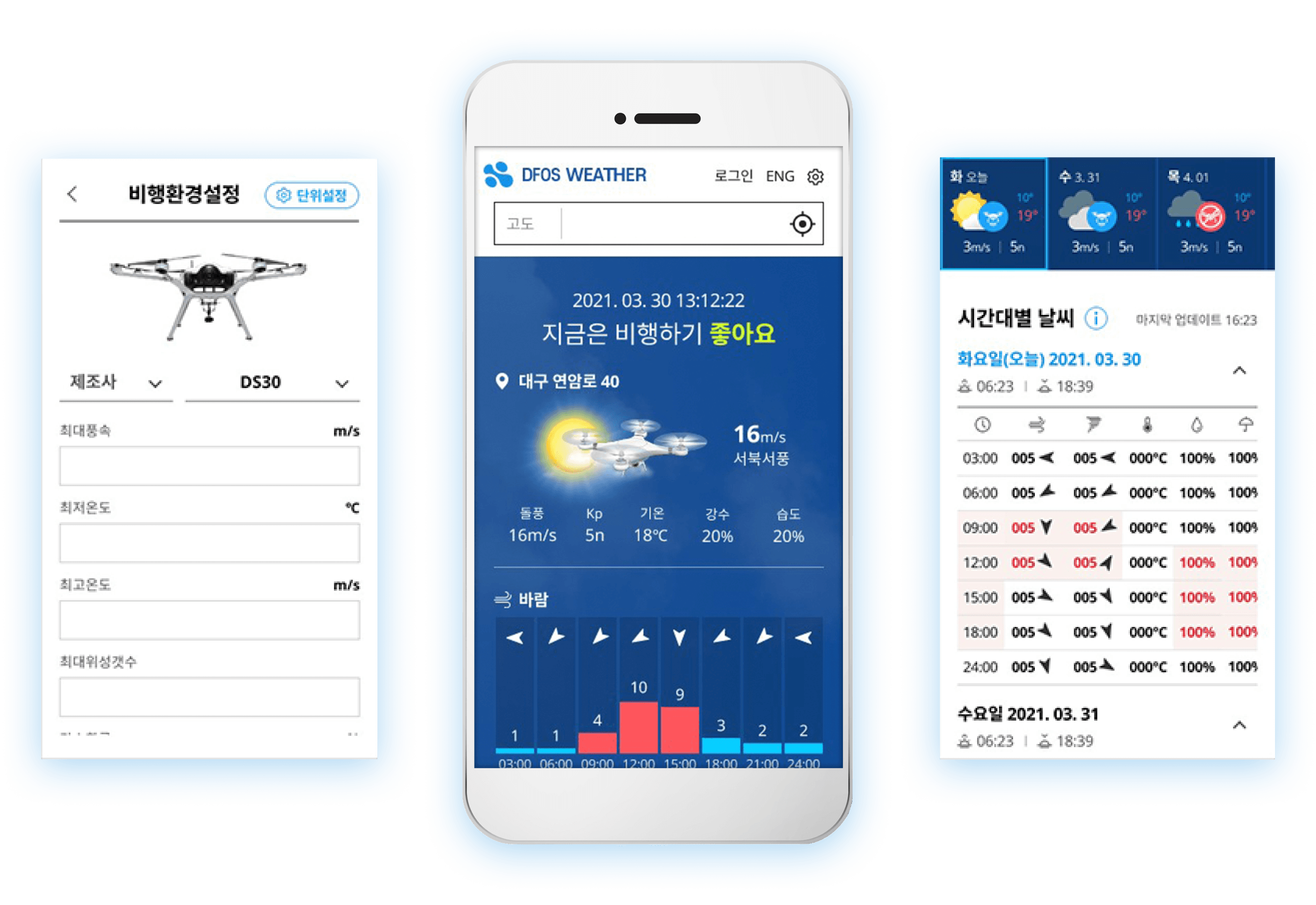
Web and mobile
Save frequent sites as favorites and check them anywhere on the web or mobile.
Detailed features
All the settings you need to check the weather.
Units
- Wind speed unit
- Temperature unit
- Distance unit
Flight conditions
- Set by drone specifications
- Custom settings
Weather display
- Weekly weather
- Detailed weather
- Daylight hours only
Search and favorites
- Set altitude and address
- View and delete search history
- Add, edit and delete favorites
With the Station
 With the Station
Checks weather conditions before the Station dispatches automatically, preventing unsafe flights in advance.
Other solutions
FlySpot Station
A drone station that dispatches with no one on site
ControlFlySpot Control System
Control multiple drones from one screen
DataFlySpot IMS
Large drone imagery, from upload to analysis
DataFlySpot Panorama
Record sites as they are in 360° panoramas
ControlFlySpot Streaming Viewer
A multi-viewer for live video from many sites
FieldFlySpot Pilot
A flight app for sites without a station